

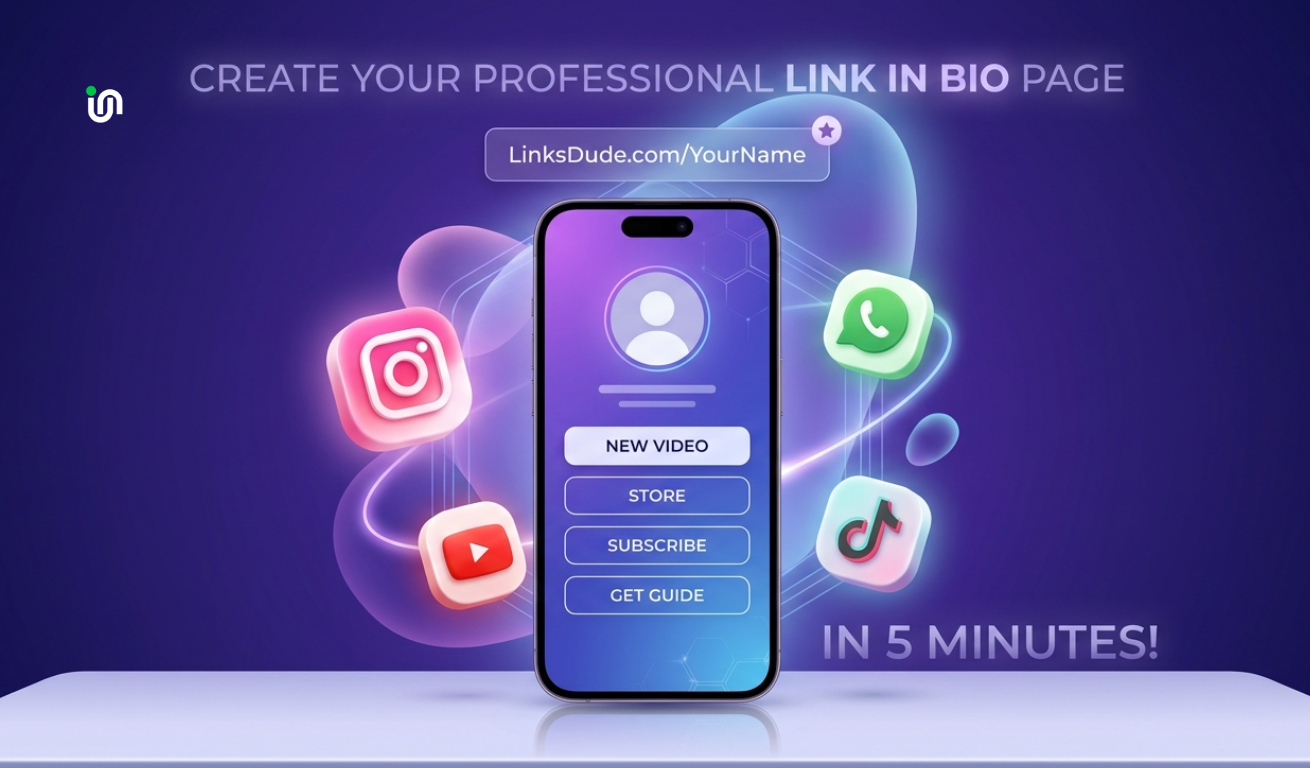
Transform Your Social Media with a Single Link
Are you struggling to promote your latest YouTube video, your new product, and your newsletter all at once? Instagram and TikTok only give you one link. LinksDude is here to help you make it count.
Step 1: Sign Up & Claim Your Personal URL
Go to Linksdude.com and create your free account. Choose a username that matches your social media handle. Your link will look like this: linksdude.com/yourname.
Step 2: Add Your High-Value Links
In your dashboard, click "Add Link". You can add anything:
- Direct Shop Links: Send followers straight to your checkout.
- Latest Content: Embed your newest YouTube video or Spotify track.
- Contact Info: Add your WhatsApp or Email for business inquiries.
Step 3: Make it Yours (Design)
Don't settle for a boring page. Use our customization tools to:
- Upload a high-quality profile picture.
- Select a gradient background that matches your brand colors.
- Choose button styles (rounded, square, or outlined).
Step 4: Analyze and Grow
Once your link is live in your bio, check your LinksDude Analytics. See exactly how many people clicked each link and where they came from. Knowledge is power!
Pro Tip: Use our QR code generator to print your link on business cards or flyers!
.png)